Stop Running Three Tools Where One Will Do
analytics platform SaaS analytics analytics tools SaaS UX analytics SaaS operating system SaaS growth saas founders
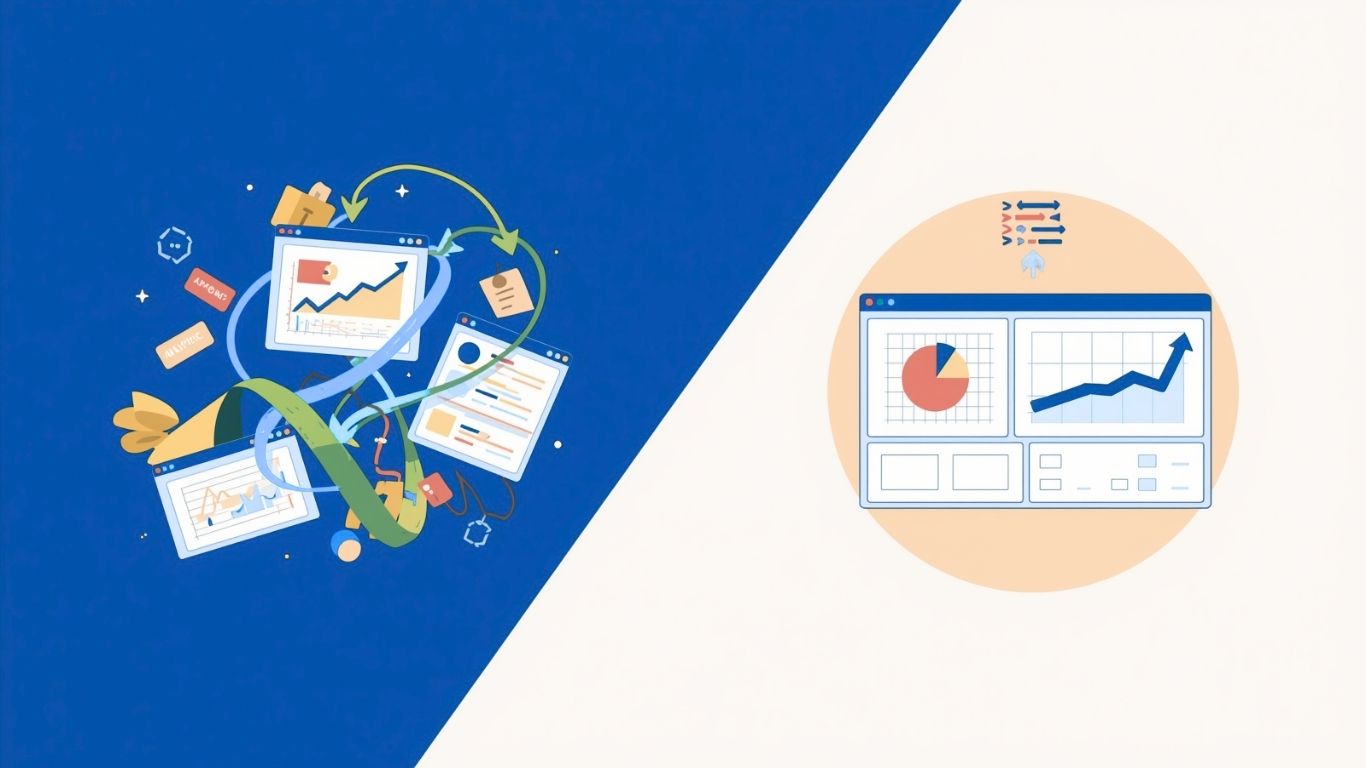
Most SaaS teams run three separate tools to do three things their product absolutely requires when you could have an all-in-one SaaS analytics automation platform.
An analytics platform. An engagement automation tool. A customer support or AI chat layer. Three subscriptions. Three logins. Three admin panels. Three separate datasets that are supposedly measuring the same users but rarely agree on the numbers when you actually line them up.
This is so normal nobody questions it. It just looks like "how SaaS teams operate."
It's not efficient. Worth saying plainly.
The Stack Tax Nobody Talks About
The obvious cost of running a fragmented analytics stack is the combined price of three SaaS subscriptions. That's real money. But it's not the expensive part.
The expensive part is everything else: the developer time spent implementing separate SDKs, the Monday morning ritual of reconciling Mixpanel cohorts against your CRM data to figure out why the numbers don't match, the support conversation that falls through the cracks because your chat tool doesn't know what your analytics platform knows about that user.
According to Zylo's 2026 SaaS Management Report, the average mid-market company now runs over 130 SaaS applications, with significant redundancy across categories. Analytics, engagement, and support are three of the most overlapping categories in any modern stack.
"The real cost isn't what you're paying per tool," says Ian Naylor, Founder of SaaSAnalytics.ai. "It's what you lose when those tools don't talk to each other. You end up with blind spots exactly where you need visibility most."
Every blind spot is a decision made on incomplete data. That compounds fast.
The Implementation Problem Nobody Admits
Here's something that gets glossed over in most analytics conversations: getting data into these tools requires ongoing work.
Mixpanel, Amplitude, Heap — they all need instrumentation. Developers have to tag events, maintain tracking plans, and deal with the drift that happens when the product changes faster than the analytics implementation keeps up. For smaller SaaS teams, that work gets deprioritised in favour of shipping features. Which means the analytics implementation is always slightly behind. Always slightly wrong.
Then add a separate SDK for your engagement automation tool. Another integration for your support platform. Suddenly "we have solid analytics infrastructure" translates to "we have three partial implementations that the product team checks occasionally."
Becky Halls, Strategist at SaaSAnalytics.ai, has seen this pattern repeatedly: "Most teams don't have a data problem. They have a data access problem. The information exists somewhere — but it's scattered across tools, or the implementation isn't complete, or it takes an engineer to pull a report that should take 30 seconds."
That gap between 'data exists' and 'data is usable' is where most analytics investments quietly disappear.
What Unified Actually Means
There's a meaningful difference between a platform that says "all-in-one" and a platform where data genuinely flows between functions.
When analytics, automation, and AI support all draw from the same source, things start working differently. Your AI support agent knows that a user is on a free trial, hasn't completed setup, and clicked the upgrade prompt twice this week. It doesn't ask them to describe their situation from scratch. It already has context.
Your engagement automation fires based on what users are actually doing in the product — not on a generic time delay. "User hasn't completed onboarding step three in three days" is a far more useful trigger than "user signed up three days ago." The first one has signal. The second is just a calendar.
B2B SaaS companies using behaviourally triggered engagement see 2-3x higher activation rates compared to time-based sequences, according to Mixpanel's 2026 PLG guide. The mechanism for that improvement is simple: you're responding to what users are actually doing, not guessing at what they might need based on how long they've been around.
The Single Snippet Argument
SaaSAnalytics.ai runs from one JavaScript snippet. Drop it in. Done.
That sounds like a minor convenience. It's a material operational shift. Your engineering team implements it once and moves on. No tracking plan to maintain across three different platforms. No "why does Mixpanel show 1,200 users when the support tool shows 1,050" conversations in Slack on a Friday afternoon.
One source of truth. One implementation. One place to look when something changes.
For smaller SaaS teams specifically - the ones where the founder is still involved in product decisions, where there's no dedicated data analyst - that simplicity is the difference between actively using your analytics and paying for a dashboard nobody checks. Both are very common outcomes. The implementation complexity is a bigger driver of that outcome than most people admit.
The Support Piece
AI-powered support is fast becoming a baseline expectation in SaaS. Users want answers immediately. A ticketing system with a 24-hour turnaround is a retention problem, not a support strategy.
The issue with most AI support deployments is that they operate in isolation. They know what's in the knowledge base. They don't know the user's history, what they've tried, where they've been stuck, or what plan they're on.
When you have an all-in-one SaaS analytics automation platform and your AI support layer draws from the same behavioural data as your analytics, it becomes contextually intelligent. It can surface the right documentation because it knows where the user is stuck in the product — not just what they typed in a search bar. That's a fundamentally different product experience.
Andrew Chen, General Partner at a16z and a long-time voice on SaaS growth, has written that "support that knows your context isn't support anymore — it's guidance." That distinction matters when users are making real-time judgements about whether your product is worth keeping.
The operational benefit for support teams is just as real. Fewer tickets that say "never mind, figured it out" - because the AI caught the problem before the user had to write in.
Who This Is Actually Built For
SaaSAnalytics.ai is specifically built for SaaS companies that need real visibility into user behaviour without building an enterprise data team to get it.
Early-stage founders who want to understand what's happening in their product before they've hired anyone to interpret dashboards. Growth teams at Series A and B companies who are running on too many tools and losing signal in the noise. Product managers who are spending half their week pulling data that should be one click away.
The promise is simple: one snippet, one platform, three things your product needs. You can sign up and start seeing data today.
FAQ
How long does setup actually take?
One JavaScript snippet, and most teams are tracking events within minutes. There's no lengthy SDK configuration or custom event taxonomy to build before data starts flowing. You can see real user behaviour in your product on day one.
Can SaaSAnalytics.ai replace Mixpanel or Intercom?
For most early-to-mid-stage SaaS teams running standard analytics alongside engagement automation and AI support, yes — with the added benefit of everything drawing from the same data. If you're running highly customised enterprise analytics with complex event taxonomies, it's worth a direct conversation about what's genuinely essential in your stack versus what's legacy inertia.
What does it cost compared to running three separate tools?
The licensing cost typically comes out well compared to running three mid-tier SaaS subscriptions. The implementation and maintenance saving is harder to quantify, but for a team spending 15-20 engineering hours a year maintaining analytics integrations, it adds up quickly.
Does the AI support use our actual product data?
Yes — that's the core point. The support layer draws from the same behavioural data as the analytics and automation components, so responses are contextually relevant rather than generic FAQ answers that frustrate users more than they help.
Is it worth switching if we're already set up on other tools?
That depends on how much value you're actually getting from the current setup. If your analytics is comprehensive and your team uses it daily — great, stay. If you're paying for three tools and getting partial value from each because the data doesn't connect, that's the scenario SaaSAnalytics.ai was built for.
Can I phase in the platform, or does it have to be all at once?
You can absolutely phase it. Start with analytics, add engagement automation when you're ready, add AI support after that. Most teams find the migration easier than expected because they're replacing fragmented implementations with one clean one.
Is it suitable for pre-revenue SaaS?
Particularly suitable. Pre-product-market-fit, you want signal fast and you want low operational overhead. One snippet that gives you behaviour data, lets you automate engagement based on what users are actually doing, and handles first-line support means your team stays focused on building.