Your Engagement Emails Are Guessing. Behavioral Triggers Aren't
behaviour analytics churn and retention product behaviour tracking SaaS analytics SaaS automation stack saas metrics user behavior analytics
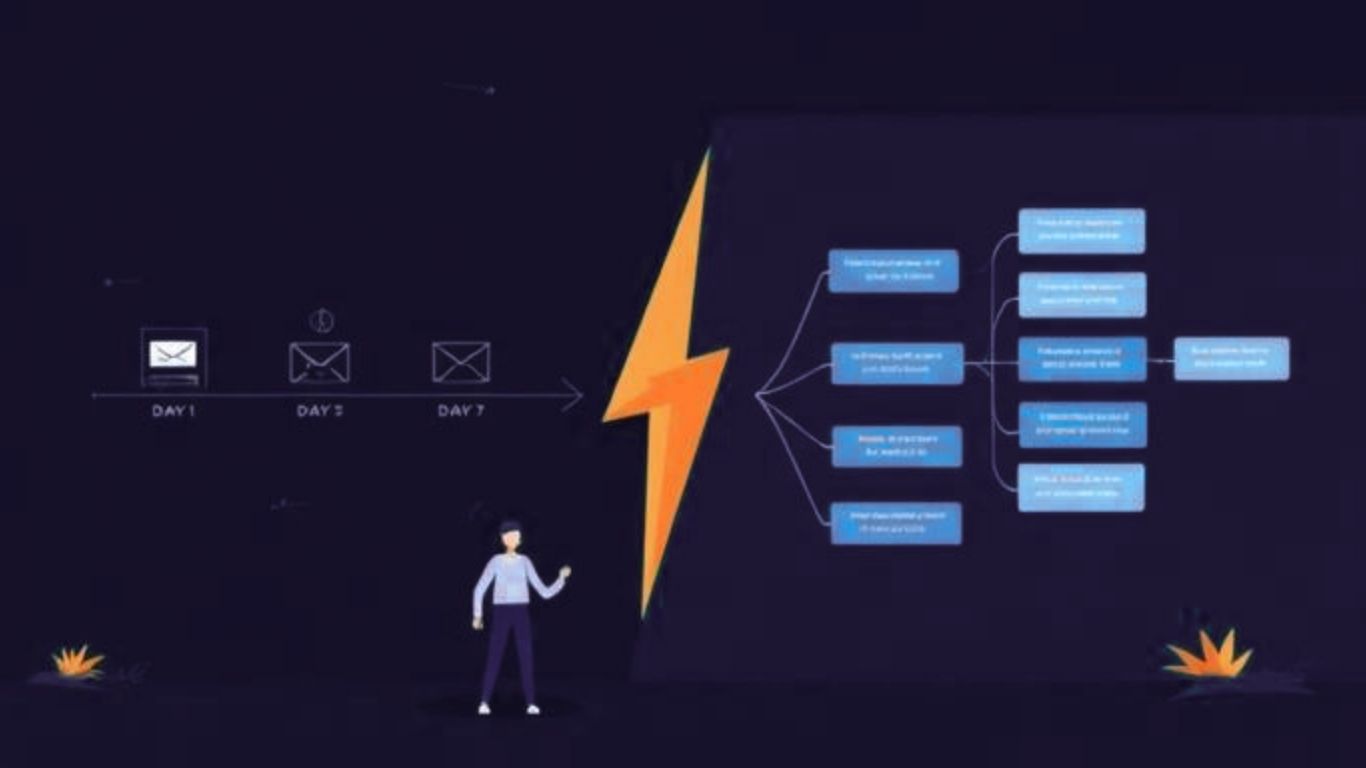
Day 1 email: "Welcome! Here's how to get started." Day 3 email: "How's it going? Here are three tips." Day 7 email: "We haven't heard from you in a while..."
This is the default SaaS engagement sequence. It's also a pretty good guess at best and completely wrong at worst.
The user who received the Day 7 "we haven't heard from you" email had already logged in every single day that week. They were in the product constantly. Now they feel like your platform doesn't actually know they exist. It's a small thing. It adds up.
The opposite problem: a user who was lost from day two still gets the Day 3 tips email because the sequence doesn't know they're lost. They're already mentally gone. Your email arrives, gets ignored, and confirms their decision.
Time-based sequences are built around what SaaS teams want to say, and when. Behavioral triggers are built around what users actually do. The gap between those two approaches is significant — and it shows up directly in your retention numbers.
The Default Sequence Has a Data Problem
It's not that time-based emails are useless. They're a starting point. The issue is that they treat every user identically, regardless of what they've done in the product.
Welcome and trial expiration sequences can double trial-to-paid conversion rates compared to no email program at all. That's the floor. Basic sequences move the needle. But they max out fast, because they're not responsive to the actual user in front of you.
Behavioral trigger automation changes the input. Instead of "user signed up 3 days ago," the trigger becomes "user signed up 3 days ago AND has not completed step 2 of onboarding." Those are different situations. They need different responses.
"Timing matters less than context," says Ian Naylor, Founder of SaaSAnalytics.ai. "Sending an email three days after sign-up because it's day three is almost irrelevant. Sending it because a user just hit a wall in your product - that's useful. That's when someone actually wants to hear from you."
The shift sounds straightforward. Getting there requires knowing what users are doing.
What Good Behavioral Triggers Look Like
There are a few trigger categories worth building first, regardless of product type.
Activation blockers. If a user hasn't completed a key onboarding step within a defined window, that's a signal. Not "they haven't logged in" — that's too broad. Specifically, they haven't done the thing that predicts retention. That's where a message helps. Not a generic nudge. Something that addresses exactly where they are in the flow. See: The Activation Gap.
Feature adoption. A user just used a feature for the first time. This is a great moment. They're engaged, they're exploring, they found something new. A timely message - practical tips, a relevant use case - lands differently here than it does three days later when the moment has passed.
Inactivity with context. The generic "we miss you" email is one of the most ignored messages in SaaS. An inactivity trigger that fires after 14 days is fine. An inactivity trigger that fires when a previously active user - specifically one who was logging in regularly - goes quiet is better. That pattern has meaning.
Upgrade signals. A user hitting a feature limit. Someone exploring pricing repeatedly. A team growing their seat count. These are expansion signals. The right message at this moment isn't about re-engagement. It's about making the next step easy.
The Stack Problem This Creates
Here's the catch. Behavioral triggers require product data. Email or in-app messaging tools need to know what users are actually doing inside the platform to fire the right message at the right moment.
If your analytics platform and your messaging tool are separate products with separate data - or worse, an incomplete integration - the signals don't flow. Your messaging tool knows someone signed up. It doesn't know they've attempted the same onboarding step three times and given up. So it sends the wrong thing.
This is the stack tax that goes unnoticed until you look at the numbers. The average mid-market company runs over 130 SaaS applications, with significant redundancy across analytics, engagement, and support categories. Three different tools for three functions that all depend on the same data creates gaps. Always. Read more about this in Stop Running Three Tools Where One Will Do.
Becky Halls, Strategist at SaaSAnalytics.ai, puts it plainly: "The behavioral trigger is only as good as the data feeding it. Most teams have the engagement tool and they have some analytics. But the data isn't actually flowing between them in real time. So the triggers are educated guesses, not responses to real signals."
Real-time data flow changes what's possible. Not just more accurate triggers - smarter ones.
What Happens When It Works
A user signs up. They complete step one of onboarding but stall at step two. No email fires on day three. Instead, 48 hours after stalling, a short message lands: practical, specific, focused on the exact step they stopped at.
They convert. That's not hypothetical - it's what happens when the message matches the moment.
Or: a user who's been a consistent daily active suddenly goes quiet after three sessions where they couldn't find a specific feature. They get a message. Not "we miss you." Something direct: here's what you were probably looking for.
Both of these require knowing what happened. That's the product analytics layer. Without it, the best you can do is guess well.
Kipp Bodnar, CMO at HubSpot, has said: "The brands that win are the ones that make customers feel like they're understood. Behavioral automation is one of the most scalable ways to do that." HubSpot uses inactivity triggers tied to specific user actions to reduce churn by around 20% — and that's a company with enormous resources. Smaller teams can replicate the principle with far simpler infrastructure if the data connection is there.
Why This Is the Right Time to Get This Right
Inboxes are noisier than they've ever been. Generic sequences are getting tuned out. Users have higher expectations about the products they pay for - they expect the tool to know who they are and where they are.
Behavioral trigger automation is the answer to that expectation. It's not complicated in principle. You need the data, you need the trigger logic, you need the message. What's been hard is having all three in one place, talking to each other.
That's the problem SaaSAnalytics.ai is built to solve. One snippet. Your analytics, your automation, and your AI support layer pulling from the same source. Behavioral triggers that fire on real signals, not calendar logic.
Try it free - no setup headache, no developer dependency, no separate tools to stitch together.
FAQ
Q. What's the difference between a behavioral trigger and a drip sequence?
A. A drip sequence fires based on time - day 1, day 3, day 7 after an event. A behavioral trigger fires based on something the user actually does (or doesn't do) in the product. Behavioral triggers are responsive. Drip sequences are scheduled. Both have a place, but behavioral triggers are more precise.
Q. Do behavioral triggers require a developer to set up?
A. Depends on the tool. Some platforms need custom event tracking that requires engineering time. Others — including SaaSAnalytics.ai — are built specifically to minimise that dependency. One JavaScript snippet handles event capture, and triggers can be configured without touching code.
Q. What events should I start tracking first?
A. Start with your activation metric - the action that most predicts a user becoming retained. Then add your key feature adoption events and any hard walls (like hitting a usage limit). You don't need 200 events on day one. Five well-chosen ones will tell you more than 200 loosely defined ones.
Q. Can behavioral triggers replace a human CS team?
A. No, and you shouldn't want them to. Behavioral triggers handle scale and speed. Human CS handles complexity, nuance, and high-stakes accounts. The best teams use both: automation for early signals, humans for accounts that matter most.
Q. How do I measure whether behavioral triggers are working?
A. Look at activation rates, trial-to-paid conversion, and 90-day retention for users who received triggered messages versus those who didn't. A/B testing trigger timing and message content is straightforward once the infrastructure is in place. The numbers usually move noticeably within 60–90 days.
Q. Does this work for smaller SaaS products with limited users?
A. Especially well, actually. Smaller user bases mean faster feedback loops and easier iteration. You'll see the results of a trigger change within weeks, not quarters. Small teams are often where behavioral automation has the highest impact per hour invested.